What Is Amazon's Rufus Telling Shoppers About You?
Shoppers ask Amazon's AI about your product before they buy. How to interview Rufus yourself, what to look for, and how to turn the answers into a better listing.
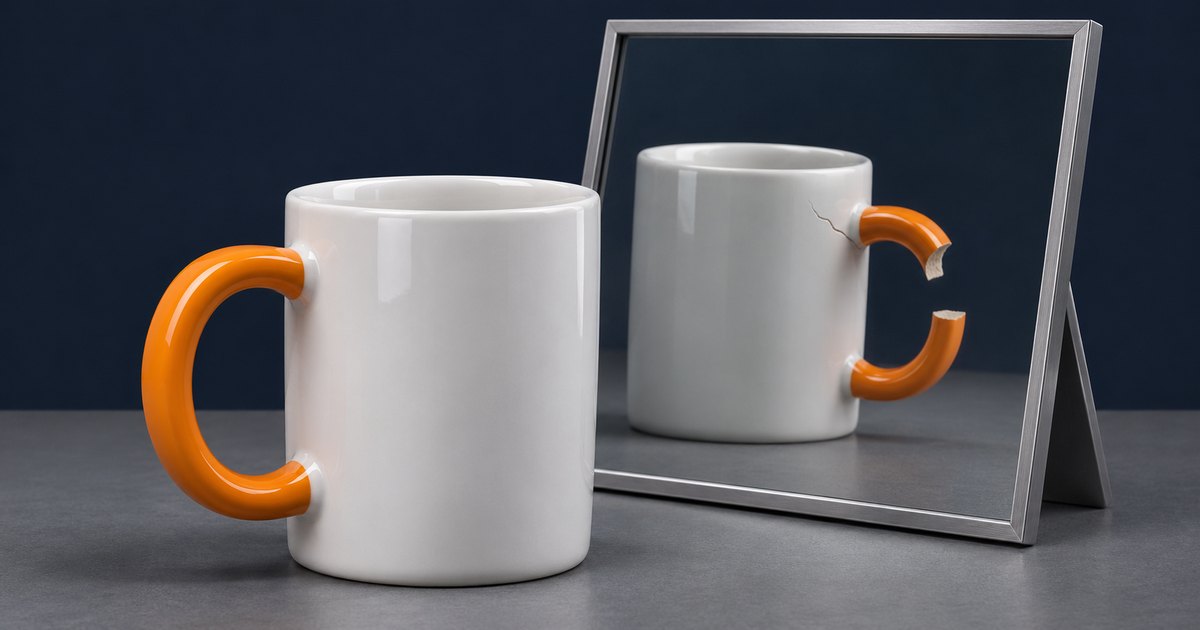
More and more shoppers no longer read your bullets. They ask Rufus.
Rufus is Amazon's AI shopping assistant, built into the Amazon app and website. A shopper can ask it "Is this safe for a dishwasher?", "How does this compare with the cheaper one?" or "What do people complain about?", and Rufus answers in a sentence or two. That answer is now part of your listing, whether you wrote it or not.
Most sellers have never checked what Rufus says about their products. It is one of the easiest wins in listing work, because you can find out in fifteen minutes and the fixes are usually obvious once you see them.
Why Rufus's answer matters more than your bullets
Your listing is what you say about your product. Rufus's answer is what Amazon tells the shopper about it, pulled from your listing, your reviews and other information it can find. When the two disagree, the shopper believes Amazon.
Three things go wrong again and again:
- Rufus repeats a complaint as if it were fact. If enough reviews mention that a lid is hard to open, Rufus may lead with it, even after you fixed the lid two batches ago.
- Rufus can't answer, so it hedges. If your listing never says whether the product fits a standard-size drawer, Rufus says it "may vary". "May vary" doesn't sell.
- Rufus compares you with the wrong product. Ask "what's a good alternative?" and you will see who Amazon thinks your competitors are. Sometimes it is a cheaper product that does a different job, and the comparison makes yours look overpriced.
None of this shows up in your sales reports. You see more people clicking and fewer buying, and no obvious reason why.
How to interview Rufus yourself
You need a normal Amazon shopper account, not Seller Central. Open your product page in the Amazon app or on the website, open Rufus, and ask the questions a real buyer would ask. Ask them in your shopper's words, not yours.
A good first interview is about ten questions:
- "What is this product best for?" Does Rufus describe the job your product actually does?
- "Who is this for?" Does it match the buyer you're targeting?
- "What do customers like about it?" These are your strongest selling points, in Amazon's words.
- "What do customers complain about?" This is the most important answer you'll get.
- "Is it worth the price?" This tells you how Amazon frames your price against others.
- "How does it compare with [your main competitor]?" Is the comparison fair, and is it the competitor you think it is?
- "What's a cheaper alternative?" This shows which products Amazon puts next to yours.
- Two or three practical questions your buyers really ask: size, compatibility, care, safety, what's in the box.
- "Does it come with a warranty?" or any claim you make prominently. Can Rufus confirm it?
- "Should I buy this?" The summary answer is the one many shoppers stop at.
Write the answers down word for word. You'll want to compare them next month.
What to look for in the answers
Read the answers against your own listing and sort what you find into four groups:
- Wrong facts. Rufus says something untrue, like the wrong size, a feature you don't have, or an old problem you've fixed. Find where it came from. Usually it's an old review, a vague line in your listing, or a missing detail. Make the correct fact easy to find in your title, bullets or description.
- Missing answers. Rufus says "it may vary" or "check the listing". That's a question shoppers are asking that your listing doesn't answer. Add the answer in plain words.
- Real objections. Rufus repeats a complaint that is genuinely true. Either fix the product or answer the worry head-on in the listing, with something like "Fits drawers 30 cm and wider."
- Claims you can't back up. If Rufus refuses to confirm something you claim, a shopper may not trust it either. Prove it in the listing or drop it.
Then fix the listing and ask again a few weeks later. Rufus's answers change as your listing and reviews change, so this isn't a one-time job. Once a month per product family is a sensible rhythm.
The catch: it's slow, and it never gets done
Doing this properly for one product is easy. Doing it every month for every product family, writing down every answer and remembering what changed since last time is where it falls apart. A busy team does it once and then never again.
Did you know Atlas can keep this up for you?
This is a job Seller Sphere handles as part of what it calls the Brand Brain: one fact sheet per product that Atlas, the AI teammate in Seller Sphere, builds and keeps up to date.
Here is what it does today:
- A monthly Rufus interview per product family. You switch it on with the Rufus monthly switch on the product family's row in Catalog Manager. The interview is done on the family's best seller, and one interview covers the whole family.
- It asks Rufus as a real shopper. Rufus can only be asked from a real, signed-in Amazon shopper session. When you run it from Claude, with Seller Sphere connected and browser access, Claude asks the questions in that browser, but only after the brand's owner has allowed it. It never opens Seller Central, and it changes nothing on Amazon.
- The answers are saved, not just read. The questions, Rufus's answers and a findings table go into the product's Brand Brain. The next time the Brand Brain is rebuilt, it uses the interview as Amazon's own voice about your product.
- Everything ends up in one fact sheet. The Brand Brain lists who buys the product, the questions and complaints buyers have (from reviews and from Rufus), claims you can make, claims you must not make, and the searches that actually sell it. Every fact names the evidence it came from.
- Your team gets the last word. If something in the Brand Brain is wrong, type the correction under that section. Team corrections always win over what Atlas found. Anything you add under "Claims we must NOT make" is avoided in every rewrite.
- It feeds your listing rewrites. Listing Studio and "New listing with Atlas" use the same Brand Brain when they suggest new copy. Rufus's objections turn into answers in your bullets, not guesses.
You can also simply ask from Claude or ChatGPT with Seller Sphere connected: "What does the Brand Brain know about this product?", "What are buyers' main objections?" or "Which products are due for a Rufus interview?"
Start with one product this week
Pick your best seller, open Rufus as a shopper and ask the ten questions above. If even one answer surprises you, you've found something your listing needs to fix, and probably something your competitors haven't checked either.
If you'd rather it happened every month without anyone remembering to do it, that's what Seller Sphere is for.
Frequently asked questions
What is Amazon Rufus? Rufus is Amazon's AI shopping assistant, built into the Amazon app and website. Shoppers ask it questions about products in plain language, and it answers using the listing, customer reviews and other information it can find.
Can I control what Rufus says about my product? Not directly. You can't edit Rufus's answers. You can change what it draws on: clear facts in your listing, answers to the questions shoppers actually ask, and fixes for the problems reviews keep mentioning.
Do I need Seller Central to ask Rufus about my product? No. Rufus is a shopper tool. Use a normal Amazon shopper account in the app or on the website, open your own product page and ask your questions there.
How often should I check what Rufus says? About once a month per product family is a sensible rhythm. Rufus's answers change as your listing and reviews change, so a single check goes out of date.